If you build WordPress websites for clients, there’s a good chance you’ve had this debate with yourself already: do you stick with the regular Divi plan, go for Divi Lifetime, or pay more for Divi Pro?
It’s a fair question, because Divi Pro is no longer just “Divi with extras.” Elegant Themes has clearly positioned it as a workflow-focused bundle for people who build websites professionally. That means freelancers, small studios, and agencies are the real target audience here.
So is it worth it? The short answer is: yes, for many professionals it is. But it depends less on the feature list and more on how often you build sites, how repetitive your workflow is, and how much time you lose on setup, revisions, and support issues.
This review breaks it down in plain English so you can decide if Divi Pro is a smart buy for your business, or just an unnecessary upgrade.
What Divi Pro actually is in 2026
A lot of people assume Divi Pro is simply a more expensive version of Divi. That’s not really the best way to look at it.
Divi Pro is better understood as a professional bundle built around Divi. You still get the Divi Theme and Builder, but the real pitch is the collection of “pro” services designed to make your workflow faster and easier to manage. This includes things like Divi AI, Divi Cloud, VIP support, and team-oriented features that matter more when you’re working on client projects rather than your own single website.
That’s why Divi Pro can feel like overkill for some users and a no-brainer for others. It depends on whether you’re paying for features or paying for saved time.
The pricing question (and why it matters)
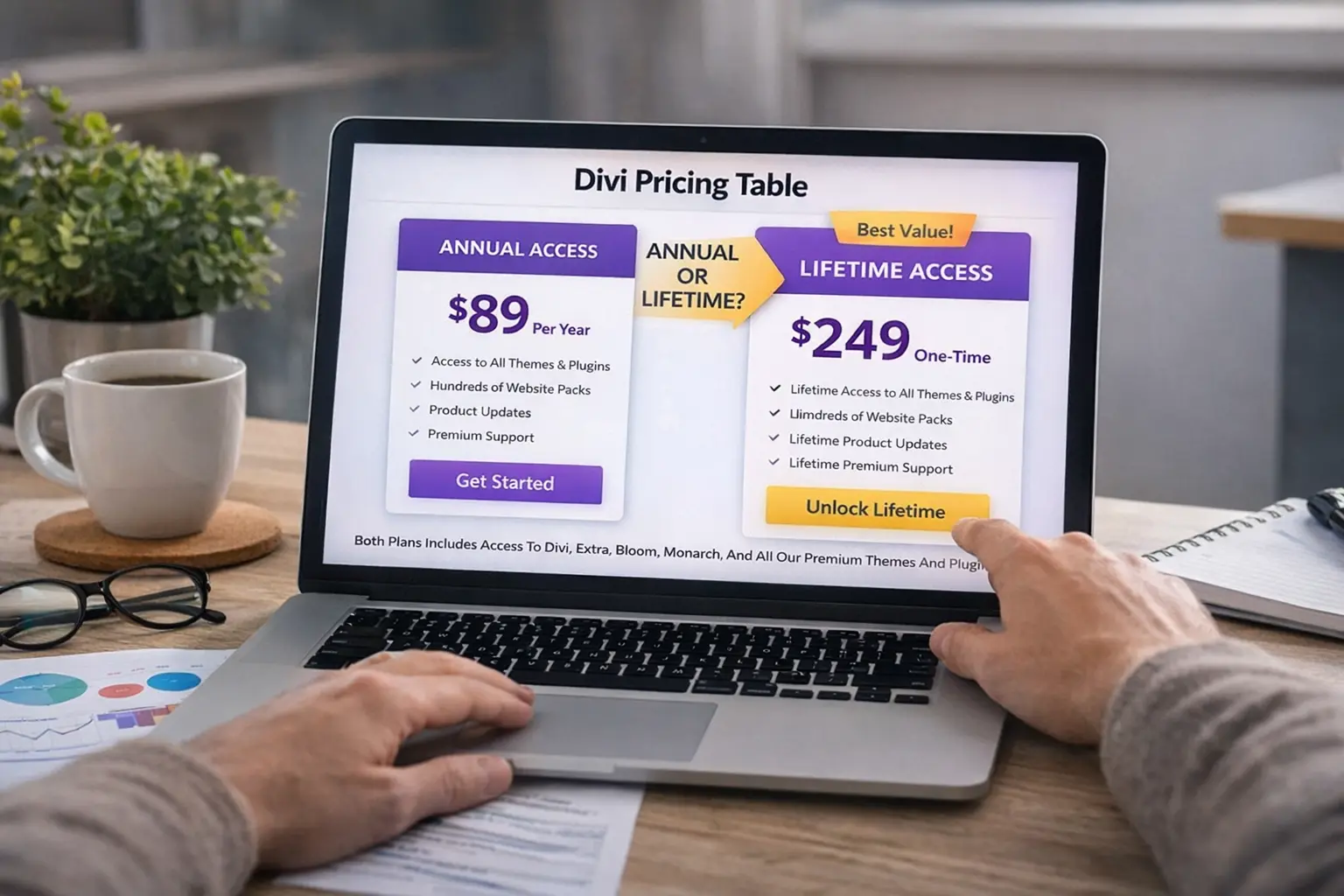
Divi Pro costs more than standard Divi, so the decision usually comes down to whether that extra cost turns into real business value.
If you’re a hobby user, a blogger with one site, or someone who only touches Divi a few times a year, the answer is usually no. In that situation, the standard plan or even a lifetime license is often the better fit.
But if you’re building websites for clients every month, the math changes. Divi Pro starts to make sense when it saves you enough time to complete projects faster, reduce repetitive work, or avoid support-related delays that affect delivery.
That’s really the lens freelancers and agencies should use: not “Does this have more features?” but “Will this help me work faster and earn more from the same number of hours?”
Learn More: Divi 5 Release Date Confirmed: What the February 26 Launch Means for Divi Users
What makes Divi Pro useful for freelancers and agencies
The biggest value in Divi Pro is not one single feature. It’s the combination of tools that support a professional workflow.
Divi itself is already a capable builder, and most people reading this probably know that. The difference with Pro is what happens after your first few projects. Once you start building similar pages again and again, managing client changes, saving reusable sections, and juggling timelines, your bottleneck stops being design skill. It becomes a process.
That’s where Divi Pro becomes much more attractive.
Divi AI can help speed up first drafts, placeholder copy, and content generation when you’re building pages under deadline. It won’t replace strategy or quality writing, but it can absolutely reduce the “start from zero” time on landing pages and service sections.
Divi Cloud is one of those features that sounds minor until you use it regularly. If you build similar layouts for different clients, being able to save and reuse your assets across projects can shave off a surprising amount of time. It also helps maintain consistency, especially if you’re working with a small team.
VIP support matters more than people admit. When you’re working on a live client project and something breaks or behaves unexpectedly, faster support can save a deadline. For freelancers, that can mean avoiding stress. For agencies, it can mean avoiding bottlenecks across multiple projects.
And if you work with collaborators, assistants, or subcontractors, the team-focused features make Divi Pro feel more like a real production tool rather than just a builder license.
Who will get the most value from Divi Pro?
Divi Pro makes the most sense for people who are actively building and shipping websites.
If you’re a freelancer building client sites regularly, the upgrade is often worth it because your workflow becomes cleaner and faster. You can reuse more of your work, spend less time rebuilding common sections, and move through early-stage page creation much quicker.
For agencies, the case is even stronger. Agencies don’t just need design tools; they need systems. Anything that improves speed, consistency, collaboration, and support response time can have a direct effect on margins. Divi Pro is easier to justify when multiple projects are moving at the same time.
On the other hand, if you’re only building one site for yourself, or you don’t use the extra services, Divi Pro may simply be more than you need. That doesn’t make it bad. It just means it’s built for a different kind of user.
Learn More: Best Divi Layout Packs for Agencies and Marketing Websites (Free Packs)
The real ROI: time, not features
This is where many reviews miss the point.
Most “Divi Pro reviews” compare features line by line and stop there. But freelancers and agencies don’t buy software the same way casual users do. You’re not just buying tools. You’re buying efficiency.
If Divi Pro helps you save even a few hours on each project, that adds up quickly over the year. One faster launch, one support issue solved quicker, one client site built using a reusable framework instead of starting from scratch, those are the moments where the upgrade pays for itself.
This is especially true if your pricing model is fixed-rate project work. In that case, every hour saved improves your margin.
So yes, Divi Pro can feel expensive if you compare it only to the cheapest plan. But it can feel cheap if it helps you deliver faster and take on more work without adding chaos.
Divi Pro vs standard Divi: which one should you choose?
For many users, standard Divi is still a great choice. If you mainly want the builder and you’re not yet at the stage where workflow tools really matter, the regular plan is a perfectly valid place to start.
Divi Pro becomes the better option when you’re no longer struggling with design and instead struggling with repetition, speed, and process. That’s usually the point where freelancers start looking for ways to standardize how they build, and where agencies start caring more about operational efficiency than just front-end features.
If that sounds like your current situation, Divi Pro is probably the right move.
Divi Pro vs Divi Lifetime

This is the comparison a lot of people get stuck on, and honestly, it makes sense.
Divi Lifetime is appealing because it removes recurring costs for the base license. If you prefer one-time purchases and want long-term access without annual billing, that can be a very smart buy.
Divi Pro, however, is more about current production speed. If you’re in active client work and you can use the Pro tools right now, the yearly cost can be easier to justify because you’re monetizing the time savings immediately.
So the decision often comes down to your stage of business.
If you’re in growth mode and shipping client work consistently, Divi Pro is usually the stronger option.
If you’re more focused on long-term ownership, fewer recurring expenses, or a slower project pace, Divi Lifetime may be the better fit.
What we like about Divi Pro
What stands out most is that Divi Pro feels built for people who actually work with Divi every week, not just people testing page builders for fun.
It’s clearly aimed at professionals who need a smoother workflow, reusable assets, and support that respects deadlines. That makes the bundle more practical than flashy, which is exactly what many freelancers and agencies need.
I also like that it aligns well with how real client work happens. You’re rarely building one page in isolation. You’re building systems, templates, revisions, and repeatable layouts. Divi Pro fits that reality better than the standard plan.
Where Divi Pro may not be worth it
To be fair, Divi Pro isn’t the right choice for everyone.
If you won’t use the pro services, the extra cost is hard to justify. If your workflow already relies on other tools for templates, team collaboration, or content generation, the bundle may overlap with things you already pay for.
And if you’re just learning Divi or launching your first website, starting with the simpler plan is often the smarter move. You can always upgrade later once your needs are clearer.
Final Words: is Divi Pro worth it for freelancers and agencies?
For freelancers and agencies who build WordPress websites regularly, Divi Pro is usually worth it. Not because it magically makes your designs better, but because it can make your workflow faster, cleaner, and less stressful. That matters a lot when you’re juggling client deadlines and trying to increase output without increasing burnout.
If you’re a one-site user, casual blogger, or someone who won’t use the bundled services, you probably don’t need it. But if Divi is part of your business and not just a tool you use occasionally, Divi Pro is a strong upgrade and a practical investment.