If you use Divi for client work, business sites, blogs, or online stores, the right mix of plugins can dramatically improve what your site can do. This guide covers the best Divi plugins for content display, WooCommerce, forms, carousel sections, popups, tables, and design workflow. Whether you want a better Divi carousel, a stronger blog module, or a more advanced Divi plugin for marketing and lead generation, this article will help you choose more wisely.
This article is worth reading because Divi has grown into a much larger ecosystem than just a theme and builder. Between the official Divi tools, third-party Divi plugins, Divi 5 compatibility improvements, and the rising quality of Marketplace-style extensions, there are now many ways to expand the Divi Builder. The key is choosing the tools that add real value instead of clutter. That is exactly what this guide is built to help with.
Get started with Divi.
Why do Divi plugins still matter for WordPress and the Divi Builder?
Even though Divi already includes a strong visual builder, the reality is that most serious site owners eventually want more. A standard Divi website may need a better blog display, a cleaner carousel, more advanced WooCommerce presentation, or stronger lead-generation tools. That is where the right Divi plugins can make a huge difference. A good Divi plugin does not just add more buttons to the builder. It adds smarter functionality to Divi and helps the site do a better job.
This matters even more in modern WordPress workflows. Many users no longer build simple brochure sites only. They build service sites, ecommerce stores, lead funnels, content hubs, and client projects. That is why so many people move beyond the default Divi Builder and start looking for the best Divi tools to support specific goals. The smartest way to use Divi is not to overload it with random extras, but to choose the few tools that solve real design or business problems well.
If you want to see how the ecosystem has grown, also read Best Divi Plugins and Best Divi Plugins for 2026.
Explore the core Divi toolkit now.
Which official Divi plugins should every Divi user consider first?
Before buying any third-party extension, it makes sense to start with the official tools. The core Divi package already gives you the Divi Builder, the Divi theme, and supporting products like Bloom and Monarch. For many users, those tools already cover a lot of important needs like email opt-ins, social sharing, and visual page building. That makes them the first step in any smart Divi plugins strategy.
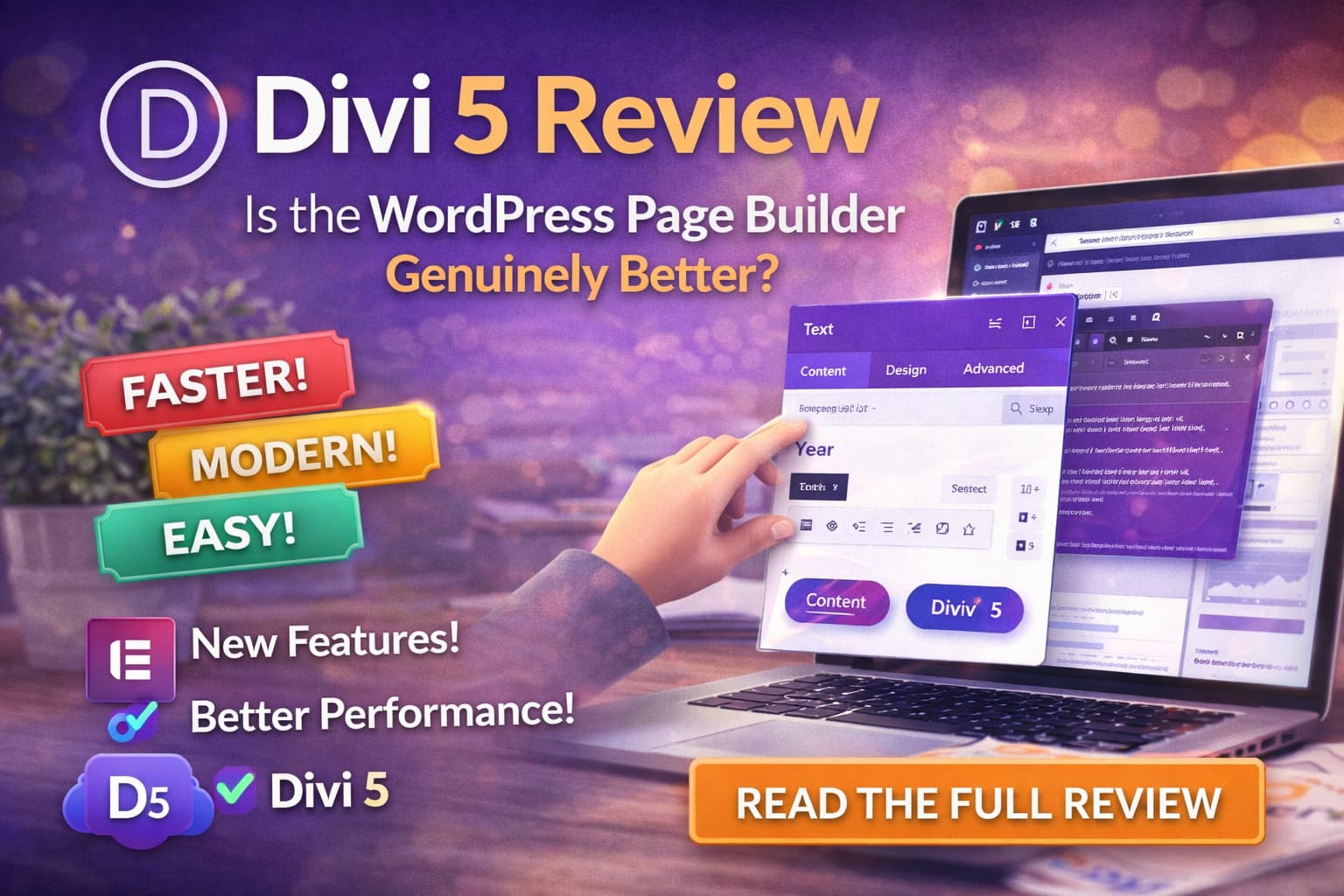
The newer tools matter too. Divi AI, Divi 5, and Divi Layouts & Layout Packs all expand what you can do with the platform. If you are building sites regularly, these official tools can reduce the need for extra plugins in the first place. Many users buy too many add-ons before they fully understand what the official stack already includes. That is why the best first move is usually to strengthen the base before adding more layers.
For more context, check Divi AI Review and Divi 5 Release Date.
Which carousel module is best for a Divi carousel, slider, or logo carousel?
If there is one category of Divi plugins that keeps growing, it is the carousel category. A strong Divi carousel can improve product showcases, team sections, logos, blog previews, testimonials, and portfolio rows. The default Divi Builder can do a lot, but it is not always the most elegant way to handle rotating content. That is why a dedicated carousel module is often one of the first upgrades people buy.
For this category, some of the strongest options include Divi Carousel Maker, Divi Carousel Module 2.0, and Ultimate Carousel For Divi. If you want to create a carousel in Divi without relying on awkward workarounds, these tools are worth considering. A good carousel plugin helps you create any kind of carousel, including a logo carousel, team showcase, testimonial block, or product row, with more control than the default setup.
The main thing to remember is restraint. A slider or rotating content block should help scanning and user flow, not distract from it. A strong Divi carousel works best when it supports the page goal instead of dominating the whole layout.
Try Divi Carousel Maker or Divi Carousel Module 2.0.
How can Divi blog, Divi post, and custom post tools improve content layouts?
If you publish content often, blog-related Divi plugins can be some of the most valuable tools you buy. The default Divi blog tools are solid, but many site owners want better archive cards, more advanced blog grids, stronger timeline displays, or improved control over featured content. That is where tools like Divi Blog Extras become especially useful.
This matters because a content-heavy site often needs more than a basic blog list. You may want a more polished Divi post display, different post types, or a layout that handles featured posts and categories better. For a custom post type workflow, the right module or blog-focused Divi plugin can make the whole site feel much more premium. This is one of the easiest ways to make a Divi website look more editorial, more modern, and more useful for readers.
If content is a big part of your strategy, also read Best Divi Plugins and Divi SEO.
Check Divi Blog Extras for better content layouts.
Which WooCommerce plugin is best for Divi stores?
If you run an online store, WooCommerce changes the plugin conversation completely. A store needs more than a visually nice layout. It needs product clarity, better content display, and stronger conversion-focused sections. This is where store-focused Divi plugins become far more important than general design tools. A good store plugin helps with product grids, cart flow, featured product rows, and cleaner content blocks inside the Divi Builder.
For store-focused upgrades, Divi Cart Pro is one of the most relevant options, especially if you want stronger ecommerce presentation. A tool like Divi Product Carousel Module can also help if your goal is a Divi product carousel for homepage promos or category-based showcases. These are much more useful for store owners than random decorative plugins that do not improve the shopping experience.
If WooCommerce is a major part of your business, your best next read is Best Divi Plugins for WooCommerce.
Explore Divi Cart Pro for ecommerce-focused Divi sites.
Do you need a Divi table, popup, or form module plugin?
Many business sites do. Some sites need stronger comparison blocks, some need lead capture, and some need forms more advanced than the default setup offers. That is why tools for Divi table, lead generation, and contact forms remain important in the Divi ecosystem. A clean table module, stronger forms, or a reliable popup plugin can solve very real business needs that the default builder does not fully cover.
For forms, Divi Form Builder and Divi Contact Form Helper are good places to start. For lead generation, Popups for Divi is one of the more direct options if you want popups for Divi without forcing awkward workarounds into your design. These kinds of tools are especially useful for service businesses, agencies, and marketers who care about conversion more than visual novelty.
The important thing is matching the tool to the site purpose. A local service site may need a popup, a stronger form module, and pricing tables. A blog may need none of them. That is why not every Divi plugin belongs on every site.
Try Divi Form Builder or Popups for Divi.
Are Divi 5 and new Divi updates changing which plugins are worth buying?
Yes, and this is one of the biggest reasons to rethink older buying habits. Divi 5 has changed the direction of the builder, and that affects how well older tools fit into the newer ecosystem. When a plugin is clearly aligned with Divi 5, it is usually a better long-term investment than a tool that still feels built for older versions of Divi. This is why compatibility matters more than ever when you look at new plugins or older third-party options.
This does not mean everything older is suddenly bad. It just means Divi updates are now part of your buying checklist. Before buying any Divi plugin, ask whether it feels ready for the new Divi, whether the developer is still active, and whether the tool still fits the way people build with Divi today. The latest Divi direction is faster, cleaner, and more design-system focused. Your plugin choices should support that direction, not fight it.
To understand the broader platform shift, see Divi 5 Release Date and Divi Pro Review.
See what’s new in Divi 5.
Should you choose an all-in-one extension like Divi Supreme or buy separate plugins?
This depends on your workflow. An all-in-one extension can be a very smart choice if you build lots of client sites or want one package with many advanced features. Tools like Divi Supreme Pro and DiviFlash are popular because they bundle many modules and customization options into one purchase. That can be more efficient than juggling many small tools.
On the other hand, one big package is not always the best fit for smaller projects. If you only need a carousel, a better blog module, and one popup system, then three focused tools might be cleaner than one giant extension. That is why the smartest route depends on the type of site you build. Agencies may love one powerful Divi bundle. A solo site owner may prefer fewer tools with a clearer purpose.
There is no universal answer here. The better question is whether one plugin gives you enough value to replace several smaller ones without adding unnecessary complexity.
Check Divi Supreme Pro or DiviFlash.
How do Divi layouts, the Divi library, and module packs speed up design?
A lot of people think they need more plugins when what they actually need is a faster design system. This is where Divi layouts, the Divi library, and reusable module packs can save serious time. If you build client sites, landing pages, or repeat service pages, the best upgrade is not always another heavy feature tool. Sometimes it is a better design resource that helps you move faster.
The official Divi Layouts & Layout Packs option is a strong example. Good layouts for Divi can reduce build time, improve consistency, and help you launch a better Divi section structure across pages. A strong layout system also makes the Divi Builder feel more efficient because you are not rebuilding the same patterns every time. This is especially useful if you are working across many Divi projects.
For inspiration, also see Best Divi Layout Packs for Agencies and Marketing Websites.
Browse Divi Layout Packs now.
So what are the best Divi plugins to start with in 2026?
If I were building a fresh Divi stack today, I would start with a simple structure. First, build around the official core: Divi, Divi 5, Divi AI, Bloom, and Monarch. That gives you the main foundation. After that, add one strong display plugin, one store or lead tool, and then only add more if you truly need them.
For content-heavy sites, Divi Blog Extras is a strong starting point. For carousel-heavy designs, I would begin with Divi Carousel Maker or Divi Carousel Module 2.0. For ecommerce, I would use Divi Cart Pro and keep the rest focused. For a broader toolkit, Divi Supreme Pro or DiviFlash are strong. That is the cleanest list of the best Divi direction I would recommend.
The best Divi plugins are not the ones with the most features. They are the ones that help you build faster, display content better, and support your business goals more clearly.
Build your stack with Divi and the right plugin upgrades.
Most important things to remember
- Start with the official Divi stack before buying too many third-party plugins.
- A dedicated carousel tool makes sense for testimonials, logos, blog previews, and product rows.
- Content-heavy sites benefit from better Divi blog and post-display tools.
- WooCommerce sites should focus on product layout, cart flow, and conversion tools.
- A popup plugin, stronger form builder, or table tool can improve business sites significantly.
- Divi 5 compatibility matters more now, so plugin quality and update history are important.
- All-in-one packs like Divi Supreme or DiviFlash can be excellent for agencies, but smaller sites may need only focused tools.
- Better Divi layouts and reusable sections often save more time than buying random new features.
- The smartest stack is usually a lean one: official Divi tools plus a few targeted upgrades.